Experience OUR Bank Mobile App!

Manage your finances securely and conveniently. Check balances, transfer funds, and pay bills anytime, anywhere. Download the app soon for the best banking experience.

Get it on Google Play Download on the App Store
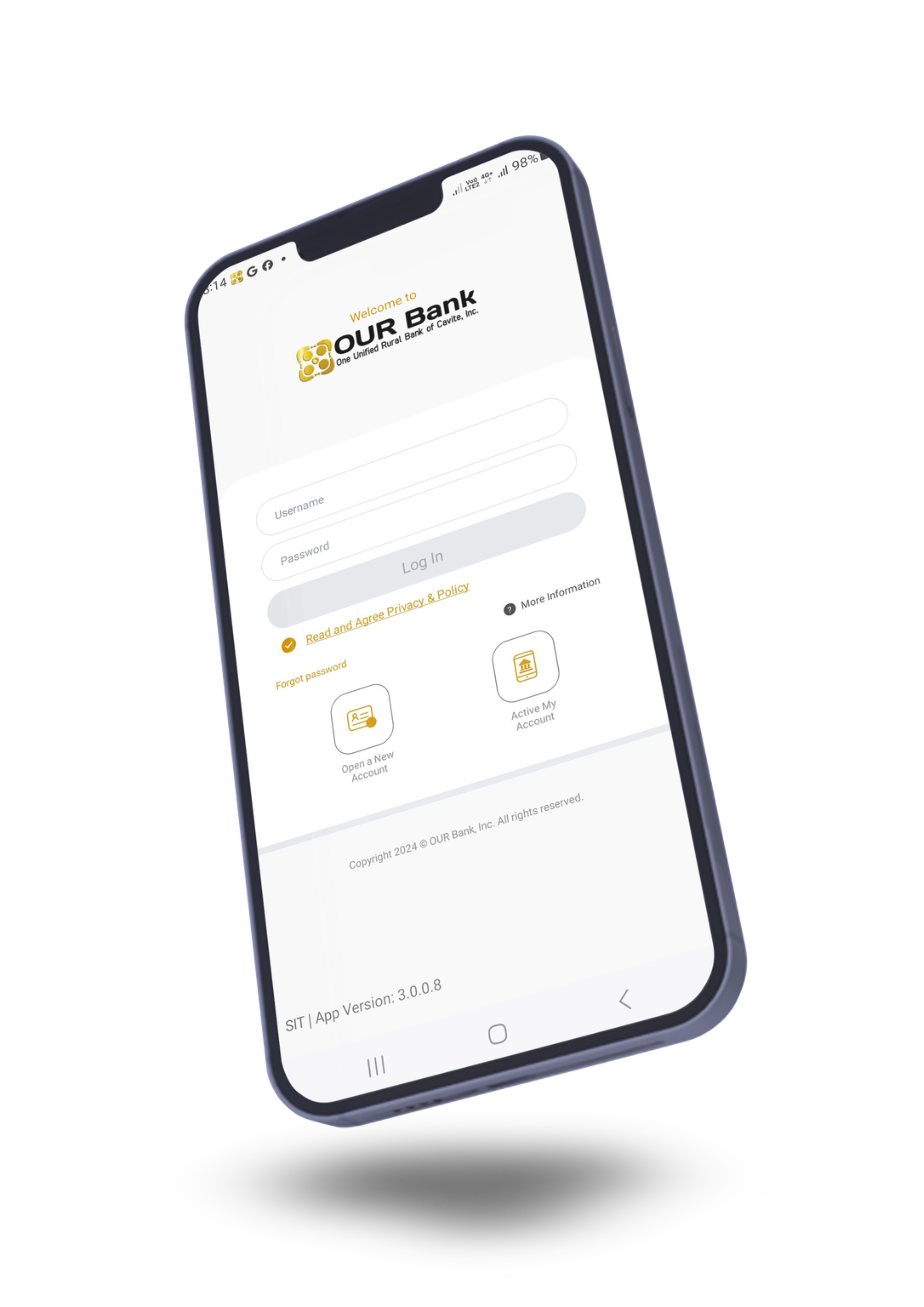
OUR Bank Mobile App Preview

Steps to Register

Setting up your mobile banking is fast and easy.
Step 1 Step 2 Step 3 Step 4 Step 5 Step 6

Features

Everything you need in one secure application.

Account Balance

Check your account balance anytime, anywhere.

Transfer Funds

Transfer funds between your accounts or to other accounts instantly.

Pay Bills

Pay your bills and utility merchants with ease using the app.

Manage Cards (Soon)

Manage your debit and credit cards securely on the go.

Loan Payments

Make your monthly loan amortization payments with a few taps.

High Security

Secure your account with Multi-Factor Authentication (MFA), OTP, and Biometrics.

Frequently Asked Questions

General Questions

The OUR Bank Mobile App is compatible with iOS and iPadOS (version 13 and above) and Android (version 8 and above).

Yes! All critical data is encrypted, and no personal information is stored on your device. OTP and Biometrics are available for extra security. However, if you save your login details, anyone with access to your device can access your account.

The mobile app allows you to access your account, view offers, explore OUR Bank products and services, report issues, and contact us via email or phone.

OUR Bank ensures a high level of security, preventing anyone from logging in using your PIN or biometrics. If your mobile device is lost or stolen, please contact us right away. We also suggest contacting your service provider to deactivate your device.

Your mobile banking session will automatically time out after a period of inactivity and log you out after an extended duration to ensure security.

In-App Registration & Errors

Ensure your phone number is up to date. You'll need your full name, date of birth, mobile number, account type, account ID, and email address. Make sure these details match our records for successful enrollment.

It seems that either the number you have provided does not match our records, or another account is registered with the same number. Please reach out to your branch to update your information.

If you attempt to log in directly without first enrolling your account, you won't receive an OTP since your mobile number hasn’t been linked to a digital profile yet. Ensure the number you use matches your bank records.

Account Management

Yes, you can view all your linked accounts within the mobile app and easily switch between them.

Go to your nearest OUR Bank branch with one (1) valid government-issued ID and request an account deletion. Your digital profile will be deactivated within 1-2 working days.

Note: In accordance with R.A. 9160 (AMLA), transaction data and personally identifying records related to your financial history must be retained by the bank for five (5) years before complete deletion.

Need Help with the App?

Our customer service team is available to help you with any setup questions or concerns.

Send us an email at: info@ourbank.ph

Or call your nearest branch for direct assistance.